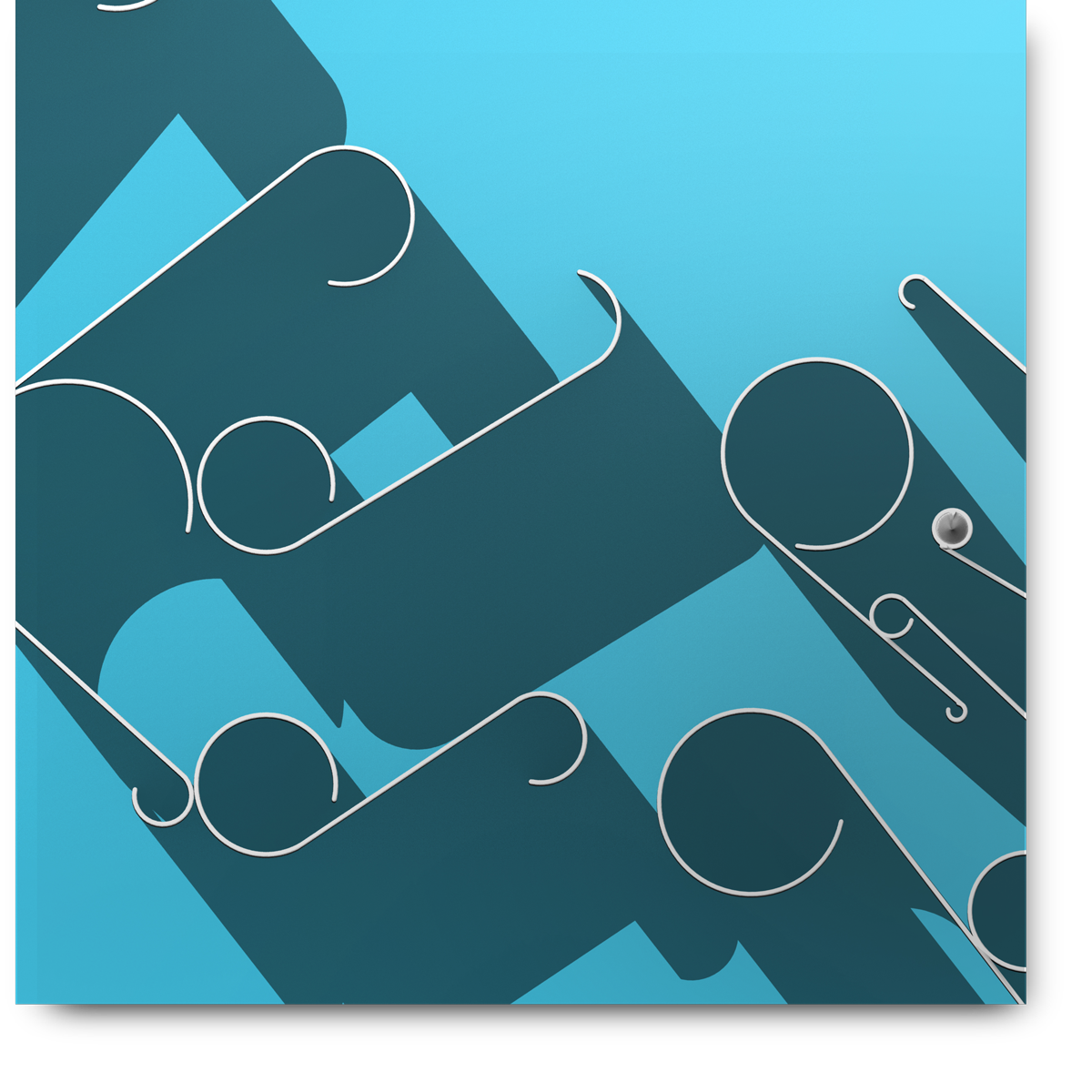
Process
Inspired by paper quilling, I used an outlined piece of type “Yes” as a stencil to build simple quills inside. I then removed the stencil and took my quills into photoshop. I extuded the paths into a 3d layer. I then positioned the camera to be looking directly down at the quills, transforming the now 3d layer to be flat once again. I then used the infinity light to cast long shadows from the quills.
Tools Used
Adobe Illustrator, Adobe Photoshop.
Materials
Pixels
How it happened.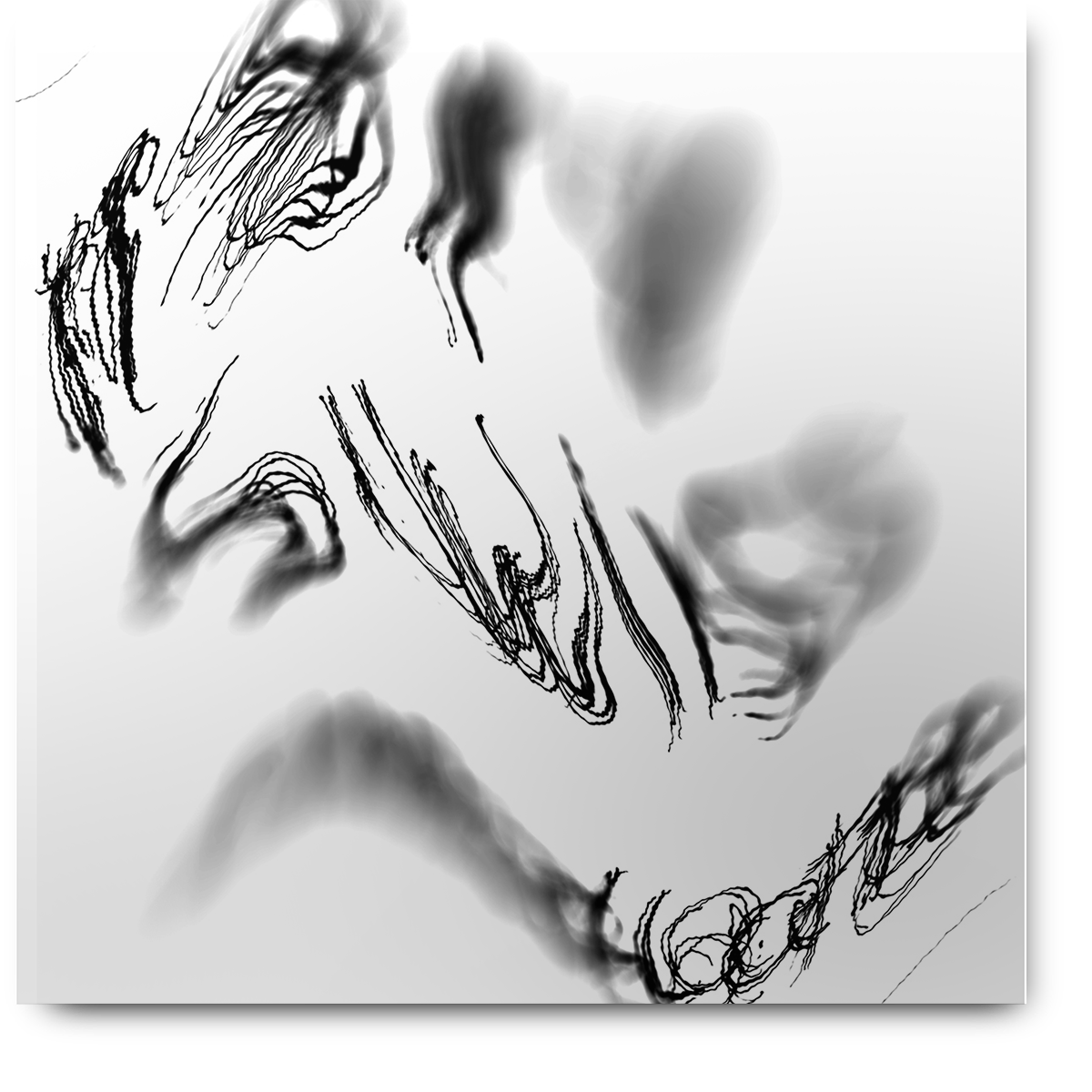
Process
Using a bundle of pens I wrote the words 1894 Swiss Chocolate over and over. I scanned this with an iPhone app and used Photoshop to apply distortions..
Tools Used
Scanner Pro (iOS app), Adobe Photoshop
Materials
Printer Paper, Pens of varying weights, Pixels
How it happened.
Process
I outlined the text “HEX” in illustrator and extended the ends of the letters off the page. I then added colorful gradients to each letter. Using an app called DMesh I created a triangulation distortion. This distortion was saved as a vector file and I further manipulated that in illustrator again.
Tools Used
Adobe Illustrator, DMesh (windows app)
Materials
Pixels
How it happened.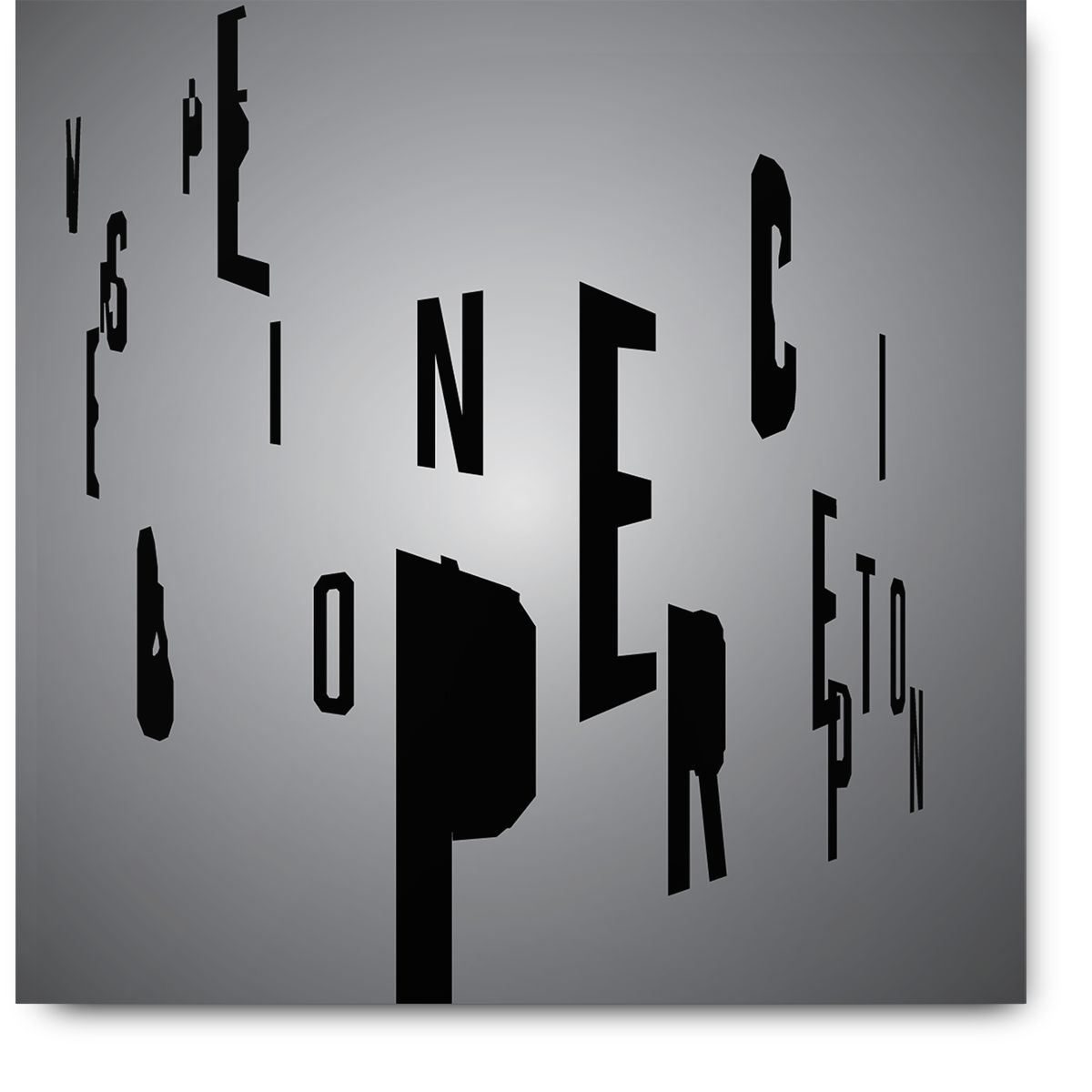
Process
Using the blend tool in illustrator I blended the words Visual and Perception. This resulted in overlapping and skewed letterforms. I then warped the perspective of the letters and applied a vignette.
Tools Used
Adobe Illustrator
Materials
Pixels
How it happened.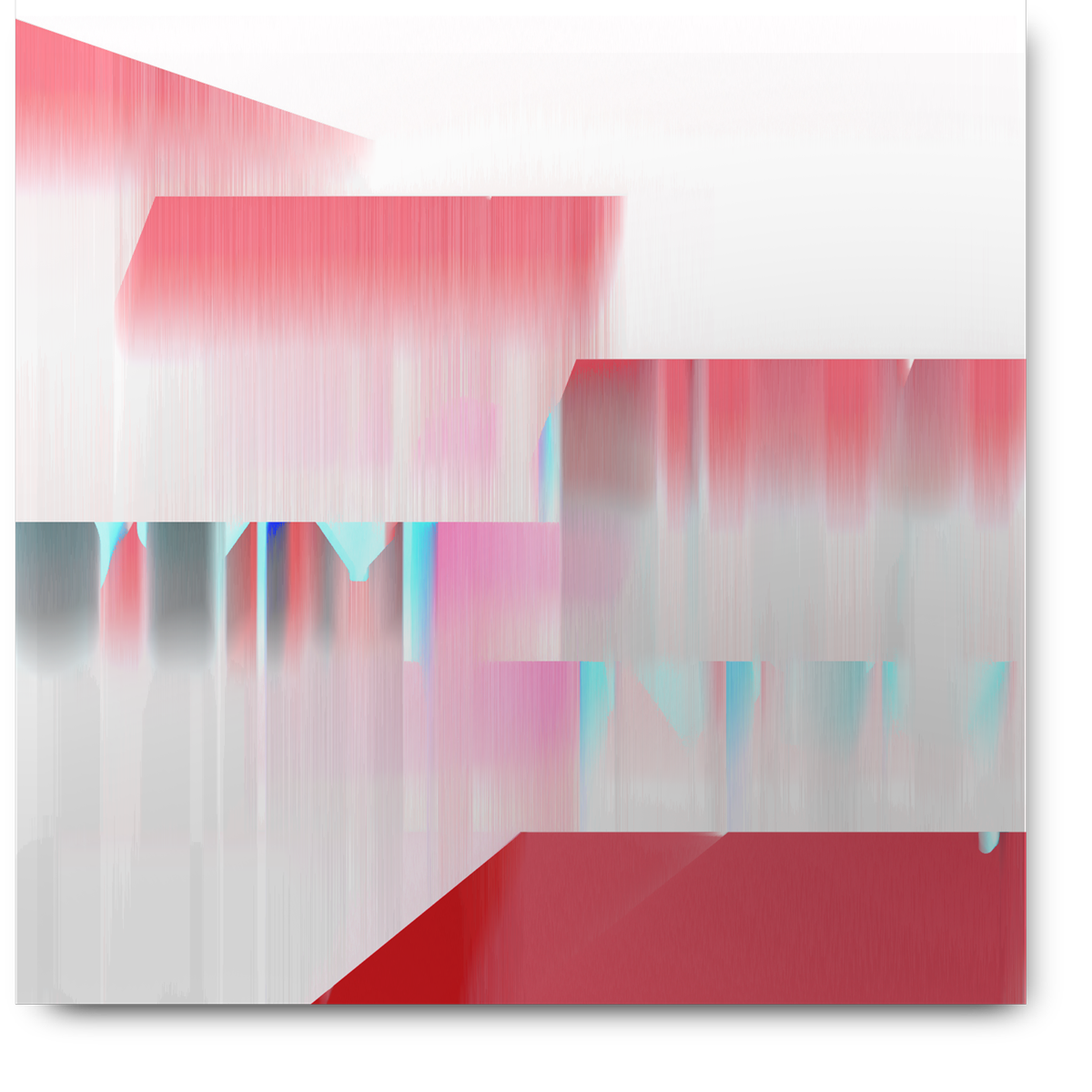
Process
I Extruded the word, Rise, into a 3d layer. I then changed the color of the black shadow to red. Using clipping masks I distorted and broke apart the image. I then imported the image into a bitmap sorter online to distort the image even further.
Tools Used
Adobe Photoshop, Bitmap sorter by larixk
Materials
Pixels
How it happened.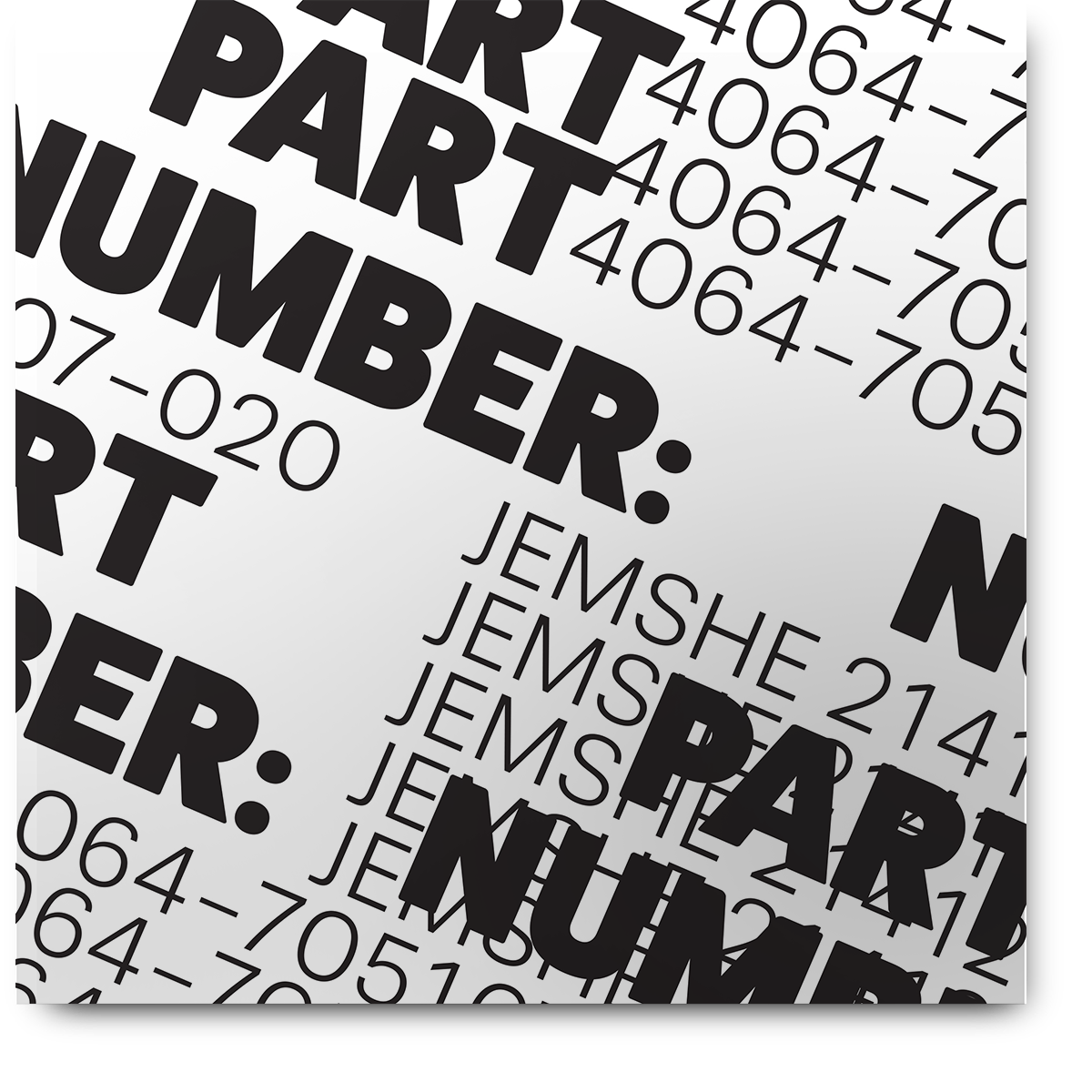
Process
I duplicated the text over and over until I had an interesting block of letters and numbers. I then used the make pattern tool to create a repeting tile pattern
Tools Used
Illustrator
Materials
Pixels
How it happened.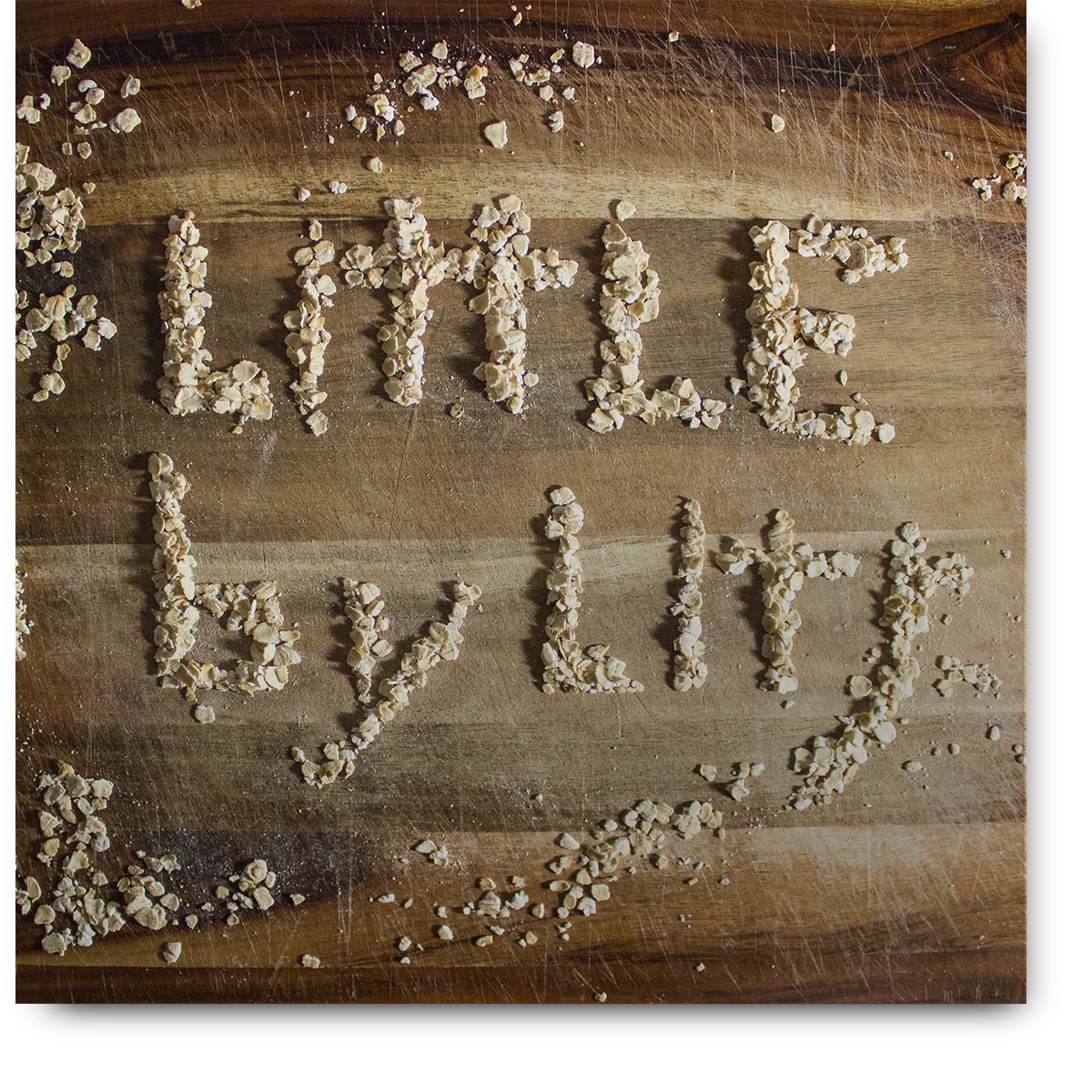
Process
I carefuly arranged dried quick oats into letter forms on a bamboo cutting board.
Tools Used
Credit Card, Ifixit Repair Tools, DSLR Camera
Materials
Quick Oats, Bamboo Cutting Board
How it happened.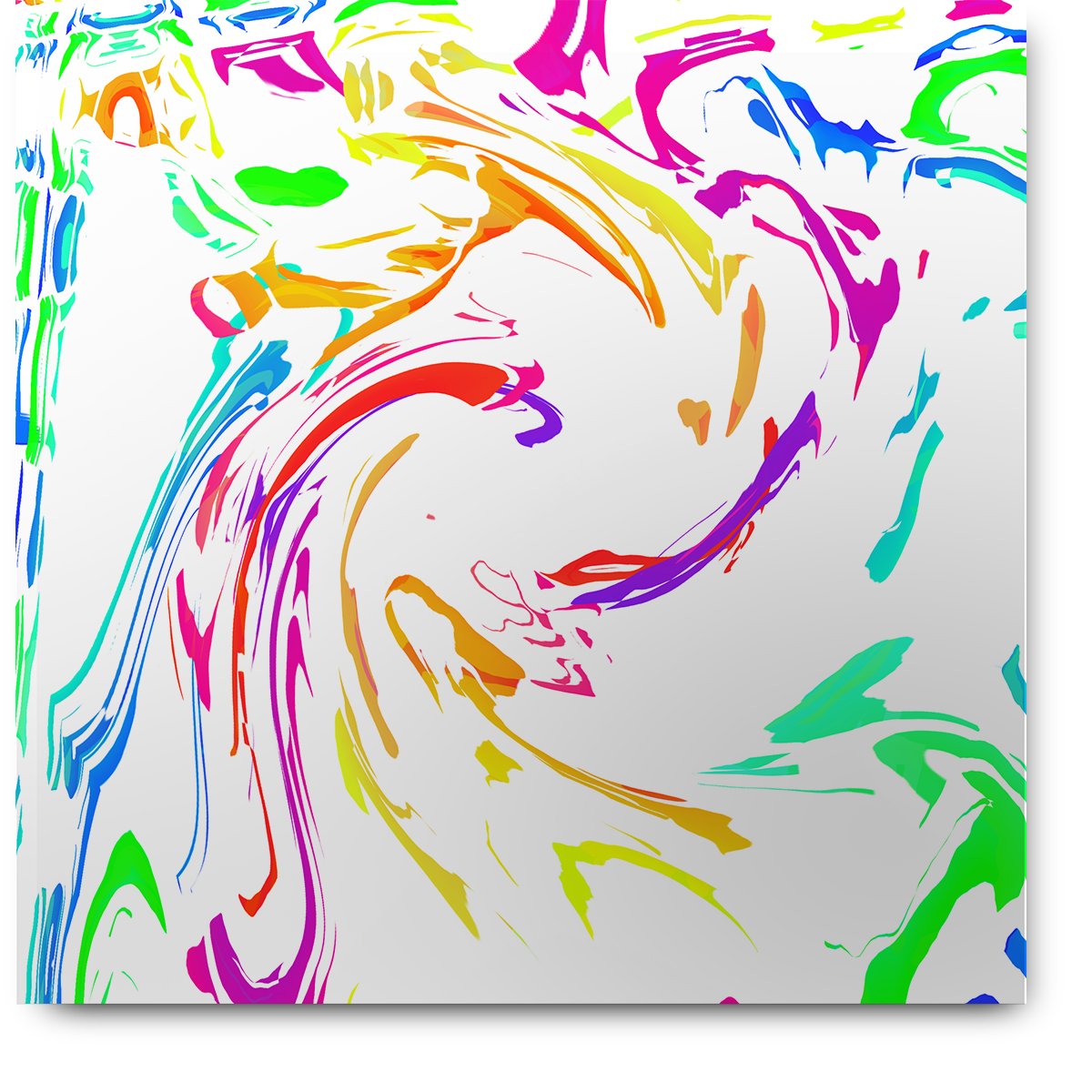
Process
I outlined a block of text and started removing sections of the letters. I copied the vector shape to Photoshop to apply various distortions. I went back to illustrator to apply colorful gradients to individual letterforms.
Tools Used
Adobe Illustrator, Adobe Photoshop
Materials
Pixels
How it happened.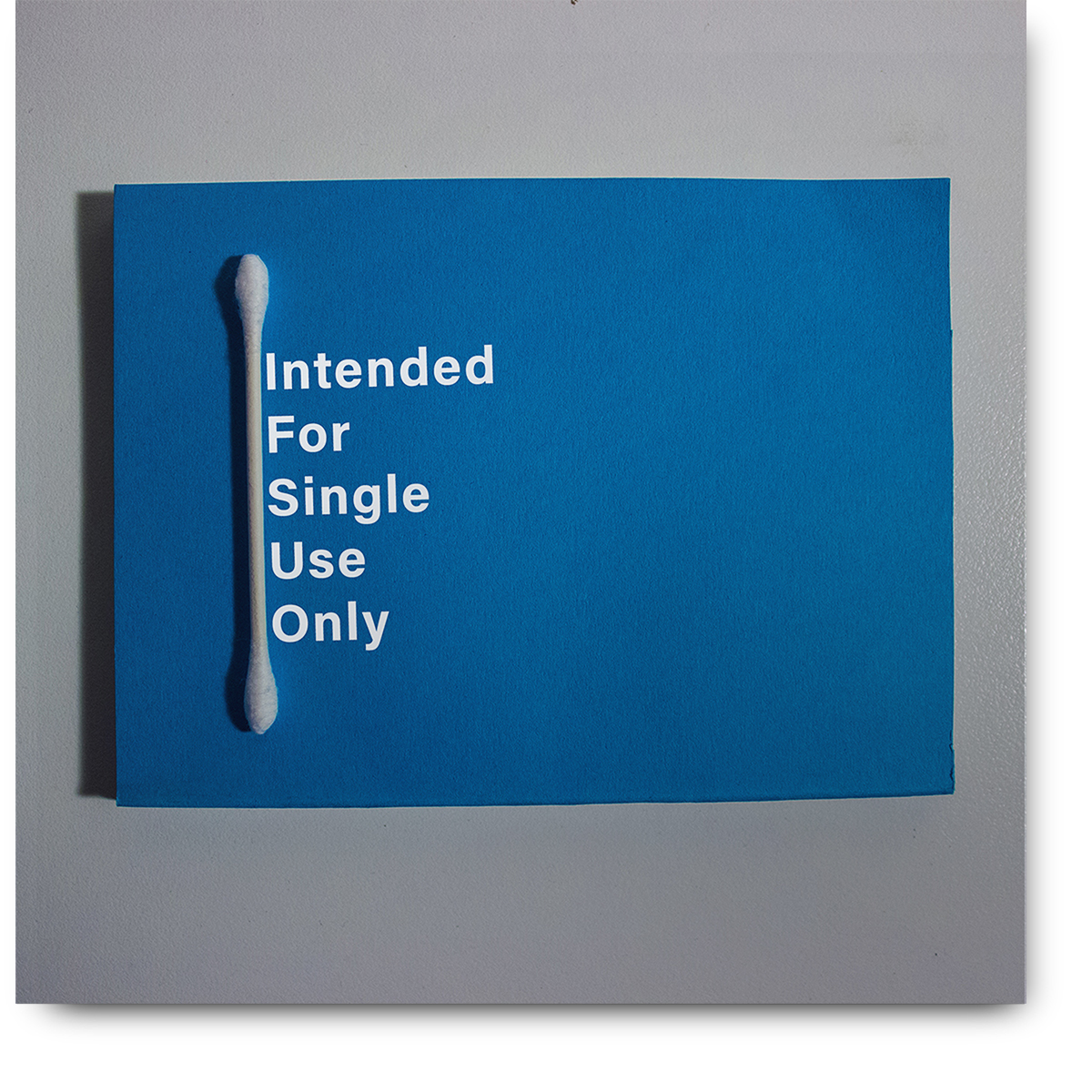
Process
I photographed a single Q-tip ontop of a blue platform. I then color corrected the photo and added text.
Tools Used
DSLR Camera, Adobe Lightroom, Adobe Photoshop
Materials
Blue card stock, Q-Tip, Pixels
How it happened.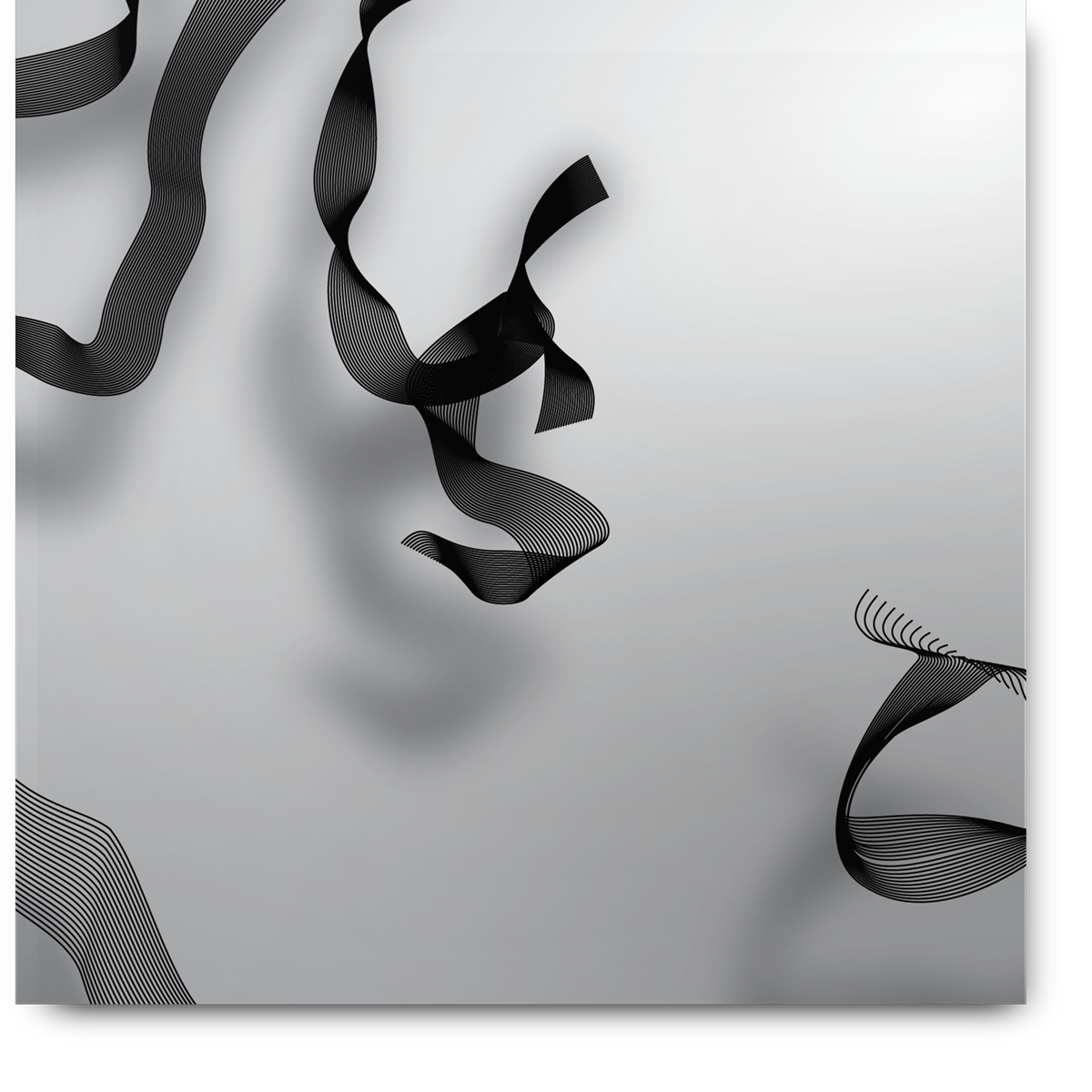
Process
I outlined text and removed the cap paths of the letters. I then blended the letters into themselves. I simply started to bend the paths to flip and fold the ribbon like letters.
Tools Used
Adobe Illustrator
Materials
Pixels
How it happened.Created By Ivan Witteborg - 2016